Open Day Plan and press "Plan week". Tick the subjects to plan, press "Draft my week", keep the blocks you like and press Apply.
Open niimblStep by step
In the left panel, under Today, open Day Plan and press "Plan week" at the top (on a phone, the calendar button). The page it opens is called "Plan my week".
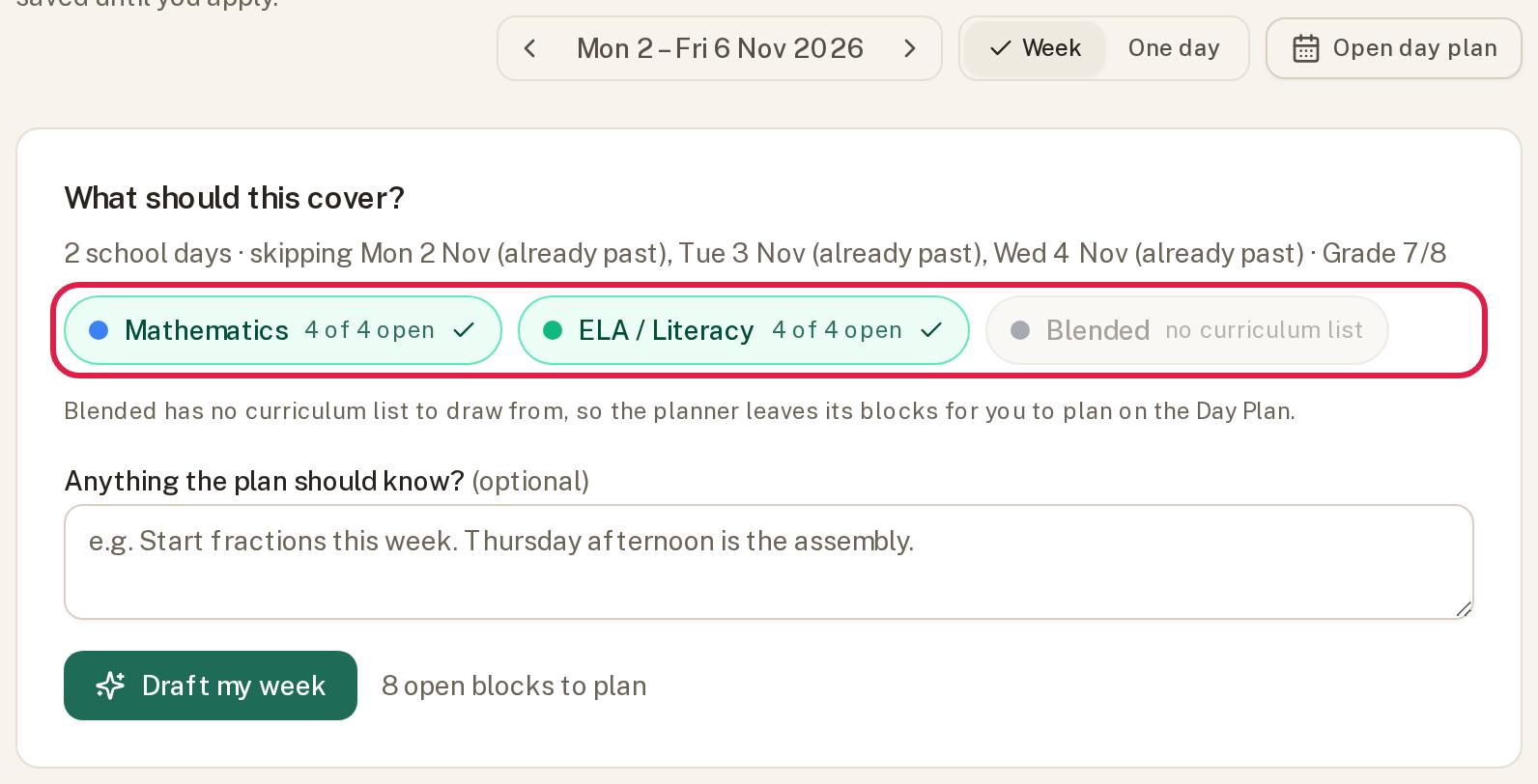
Under "What should this cover?", tick the subjects you want planned. Week or One day at the top chooses how much.
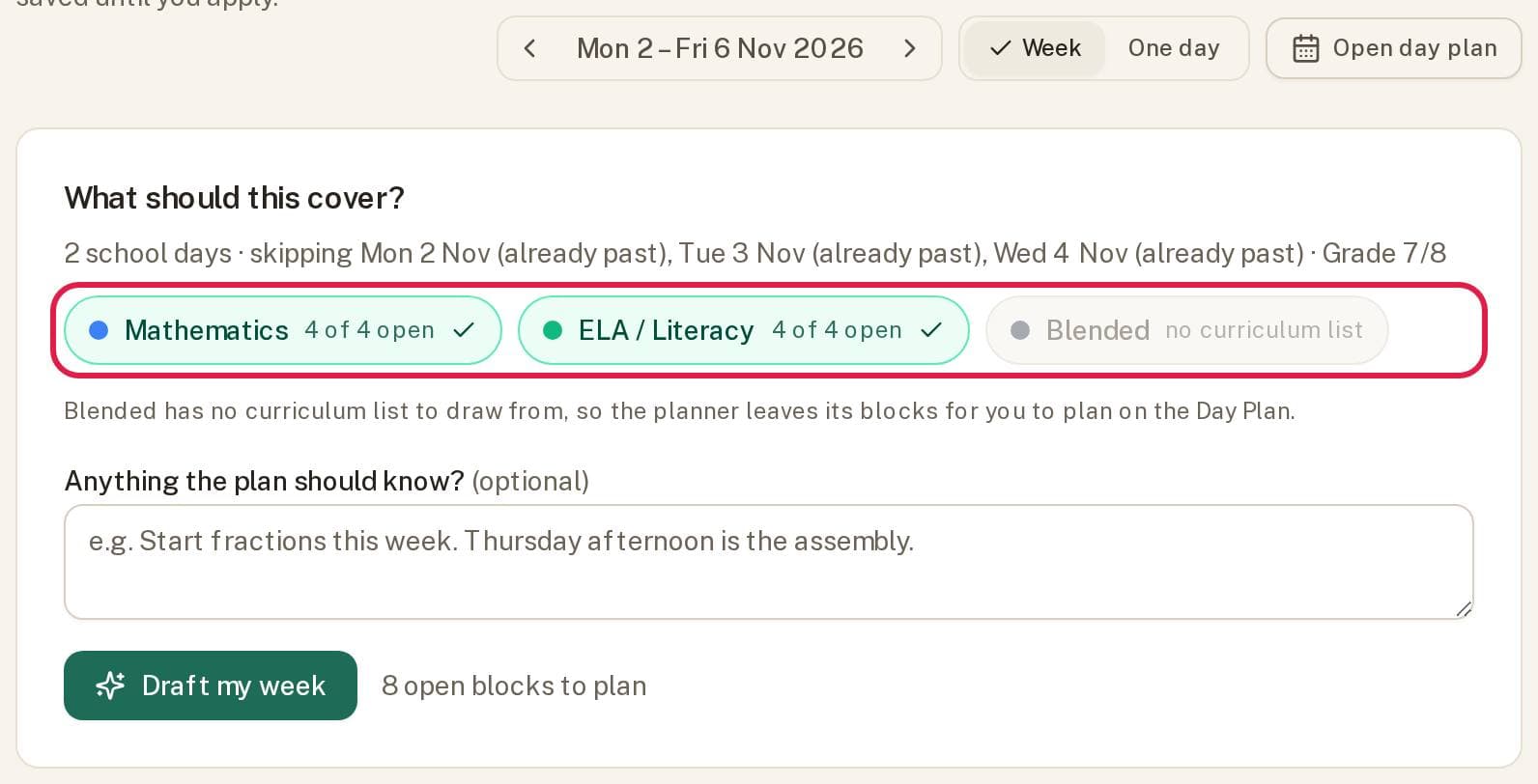
Add anything the plan should know in the box (optional), then press "Draft my week".
Read the drafted blocks. Untick Keep on any you do not want, or edit them.
Press Apply. Nothing is saved to your Day Plan until you do.
Good to know
- The planner uses your timetable; with none saved it asks you to set one up first.