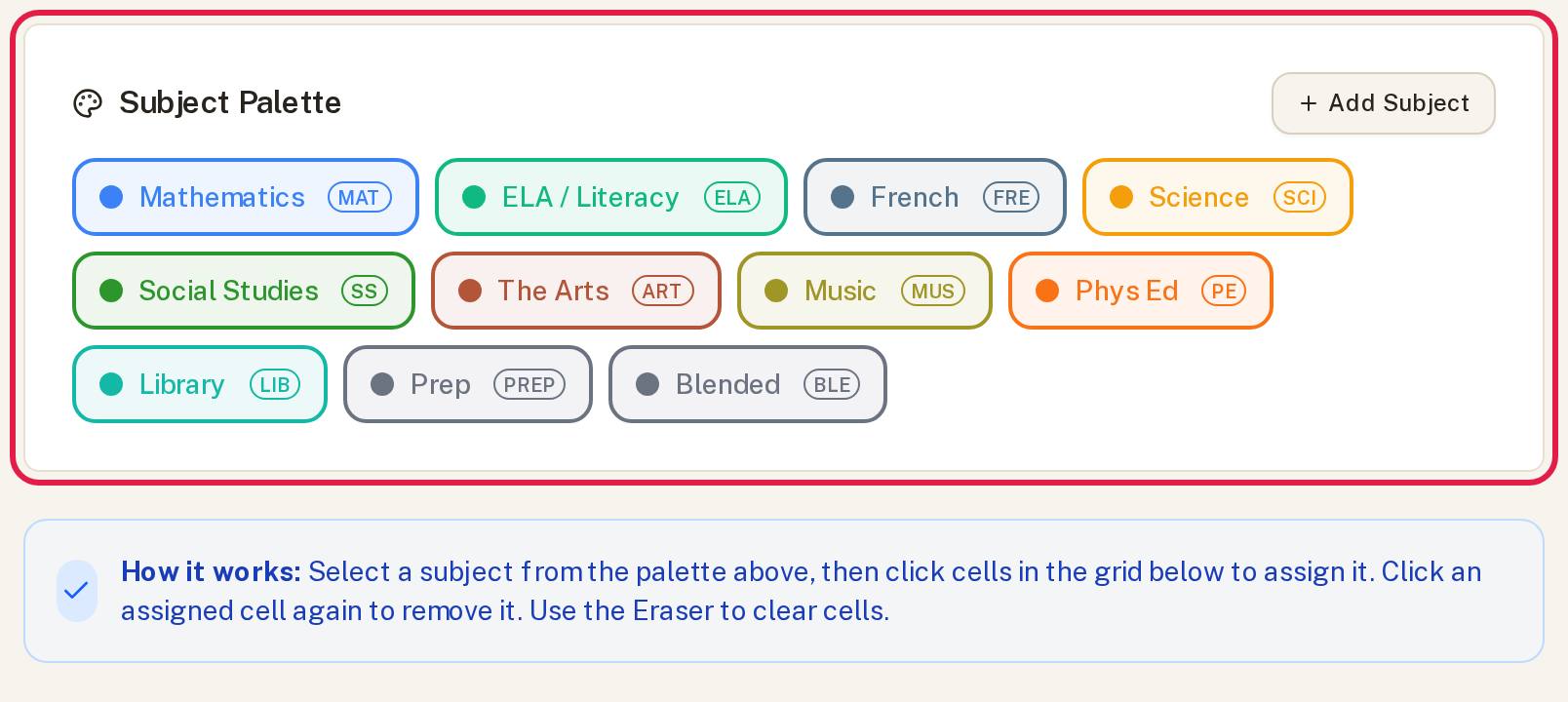
Open Calendar and press "Edit Schedule" ("Set Up Schedule" the first time) to reach the Schedule Builder. Set your bell times, tap a subject, tap the periods it fills and press "Save Schedule".
Open niimblStep by step
Open Calendar and press "Edit Schedule" at the top — it says "Set Up Schedule" until you have saved one.
Under "Bell times", set when the day starts and ends, and add teaching blocks and breaks.