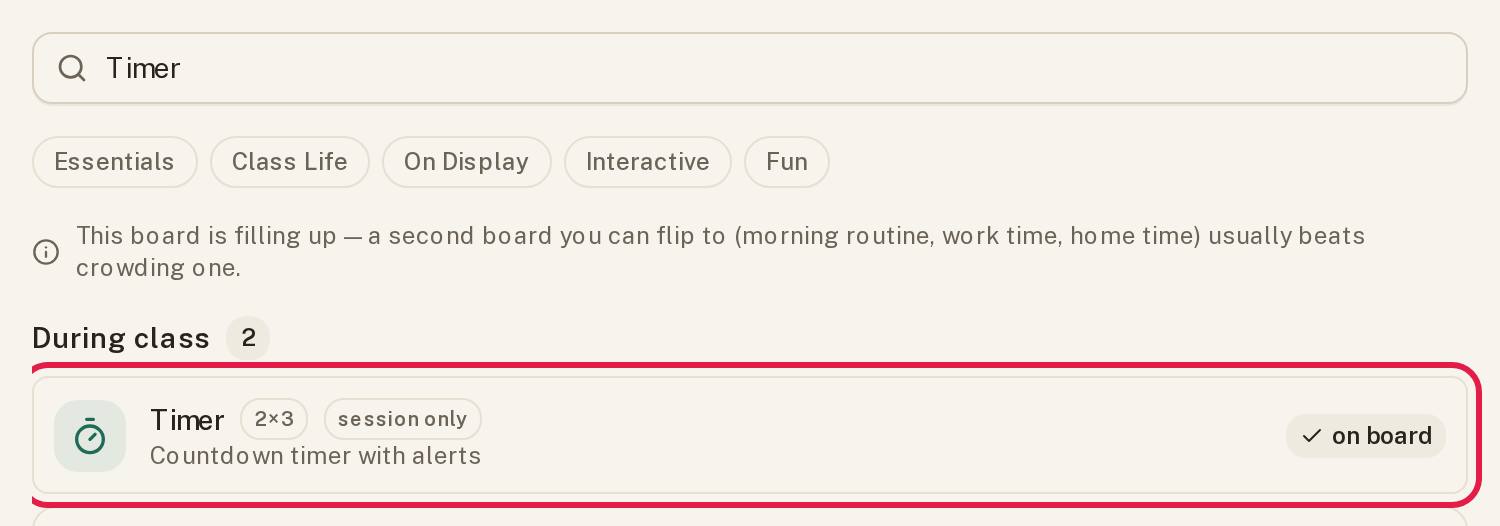
Open Classroom Board, press + (Add Widget) in the toolbar, search "Timer" and press Add. On the Timer tile, choose how long and press Start.
Open niimblStep by step
In the left panel, open Classroom Board.
Press + (Add Widget) in the toolbar at the top of the board, and type "Timer" in the search box.
Press Add beside Timer. (If it says "on board", it is already there.)